New: Route tracking via the website
Through the Water Map Live apps, you can of course view and track your location on the map. This is now also possible with watermaplive.net, even with external GPS receivers.
Dutch Version 🇳🇱 | German version 🇩🇪
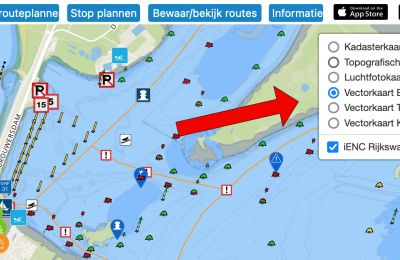
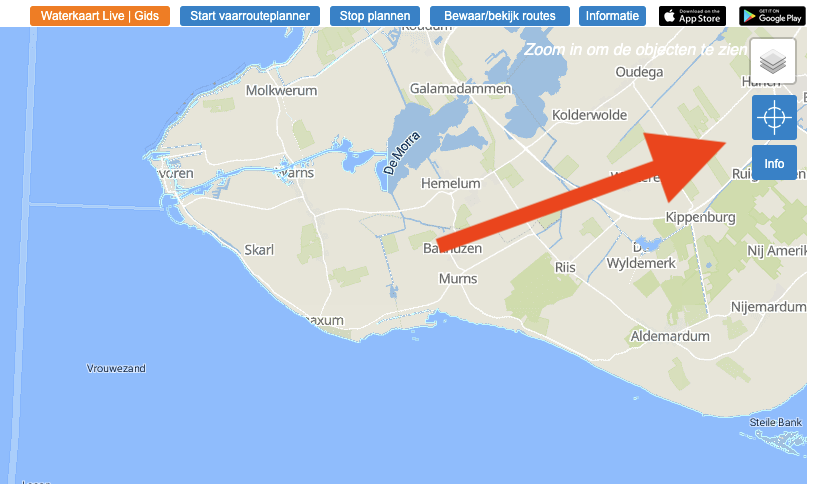
You will find the new GPS tracking feature in the top right corner of the map window. To use this feature, a subscription to Waterkaart.net is required.
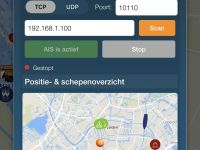
Once logged in, it works very simply: press the button, and the app itself looks for the best method to display your location on the map. If you have connected an external GPS receiver to your PC, this will be used. If you use a mobile phone or tablet with an onboard GPS chip (which all phones and almost all Android tablets and iPads 4/5G have), the tracker will connect to it. If you have a Wi-Fi-only iPad, make sure it connects via a hotspot on your iPhone to get a location.
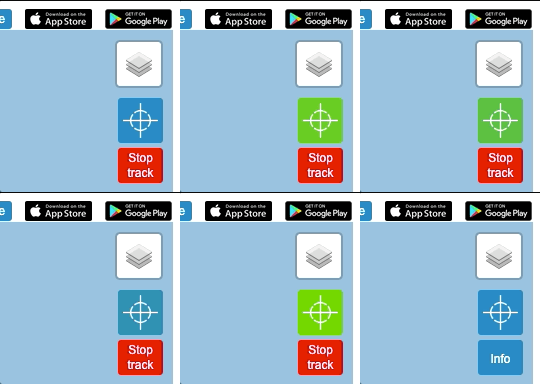
If successful, an orange location icon will appear on the map; if you click on it, you will see the accuracy of the location determination. The same rule applies here: the more your GPS receiver or device 'sees' of the sky, the better, because the signal from the GPS satellites will be stronger. After clicking the button, the GPS tracker icon also begins to gently pulsate: from blue to green and back again. The stop button to end tracking will also appear.
 And what if I don't have a GPS receiver?
In that case, this feature will use your web browser's built-in 'geolocation' function. This is less accurate than a GPS receiver, but it still gives you an idea of where you are. Please note: the GPS tracker feature with external GPS receivers works in Google Chrome, Microsoft Edge, and other 'Chromium-based' browsers. So be sure to use these if you have connected a GPS receiver to your PC. Firefox and Safari will use the standard geolocation function.
Lastly: if the GPS tracker does not receive any signals for more than a minute, it will switch itself off to save your battery. You can of course always press the tracking button again afterwards.
Have fun with the website and the apps! If you have any questions or comments, please let us know.
The linked Globalsat GPS receiver via Amazon.co.uk was used when developing this feature, so it is almost certain to work for you too.